




Accessibility
INKUTTU is for everyone. We're working to make our website usable and welcoming for people of all abilities, and we welcome your feedback so we can keep getting better.
Our commitment
We aim to align with the Web Content Accessibility Guidelines (WCAG) 2.1 Level AA. Accessibility is built into our design and development process — from colour and typography to keyboard navigation and screen-reader support. We test the site regularly with assistive technologies and address issues as we find them.
Features that help
- Keyboard navigation — every interactive element on the site can be reached and used with a keyboard.
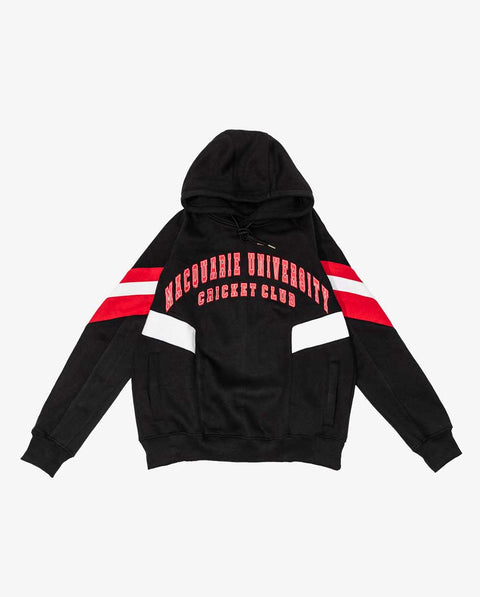
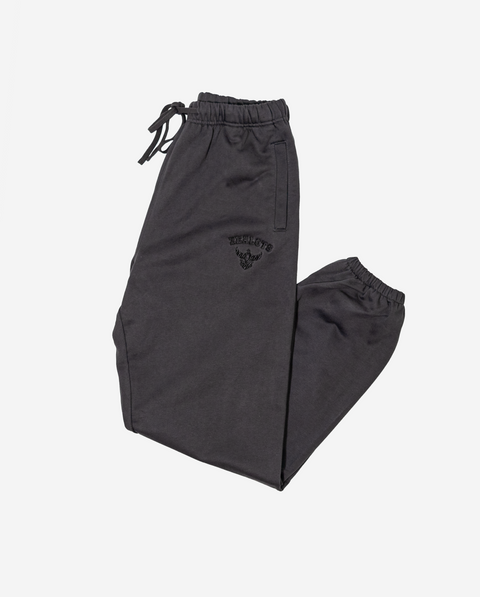
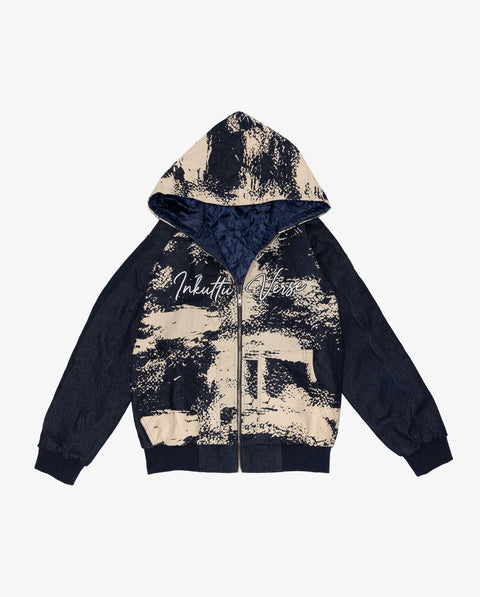
- Alt text on images — product and editorial imagery is described for screen readers.
- Strong colour contrast — text and interactive elements meet AA contrast ratios.
- Resizable text — you can zoom up to 200% without breaking the layout.
- Semantic structure — headings, landmarks and form labels make the page easy to navigate with assistive tech.
Tips for using the site
Most modern browsers and operating systems offer built-in tools that work well with our site:
- Zoom: Ctrl/Cmd + or - to resize text and images.
- Screen readers: we test with VoiceOver (macOS / iOS), NVDA and JAWS (Windows) and TalkBack (Android).
- Reduced motion: if your device has "reduce motion" enabled, we minimise animations on the site.
Reporting an issue
If you've run into a barrier on the site, or there's something we can do to make your experience better, we want to know. Email us at accessibility@inkuttu.com with:
- The page or feature you were trying to use.
- What happened and what you expected to happen.
- The device, browser and assistive tech (if any) you were using.
We aim to respond within 5 business days.
Our ongoing work
Accessibility isn't a one-off project — we treat it as part of how we build. We review new features for accessibility before launch, train the team on inclusive design and run regular audits of the site.
Tell us what you think